How do I get ACS API credentials?
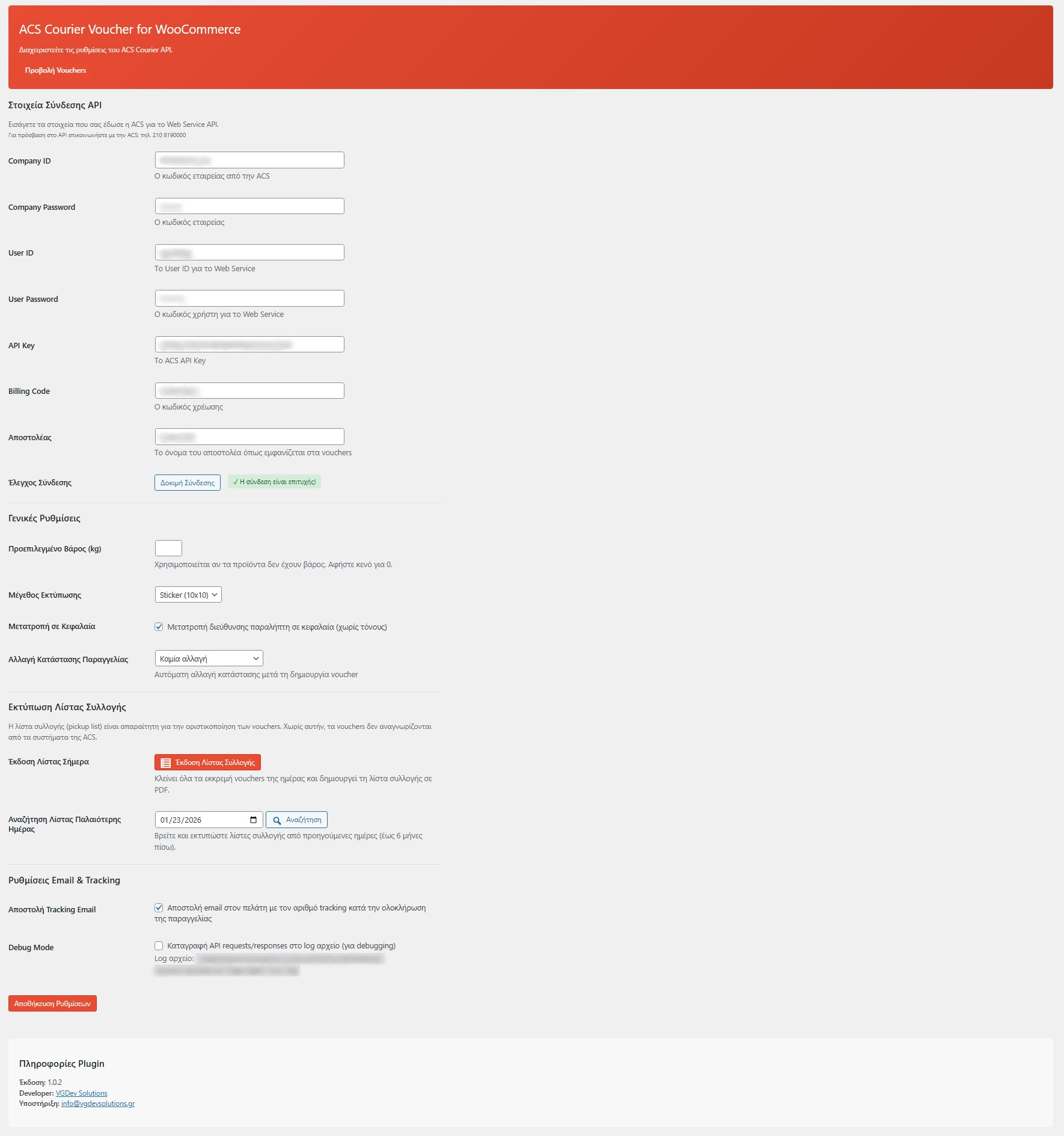
Contact ACS Courier's customer service at 210 8190000 to request Web Service API access. You'll need to provide your company information and ACS account details. Once approved, you'll receive: Company ID, Company Password, User ID, User Password, API Key, and Billing Code. Enter these credentials in the plugin settings under WooCommerce > ACS Courier to activate the integration.
Does the plugin support Cash on Delivery (COD)?
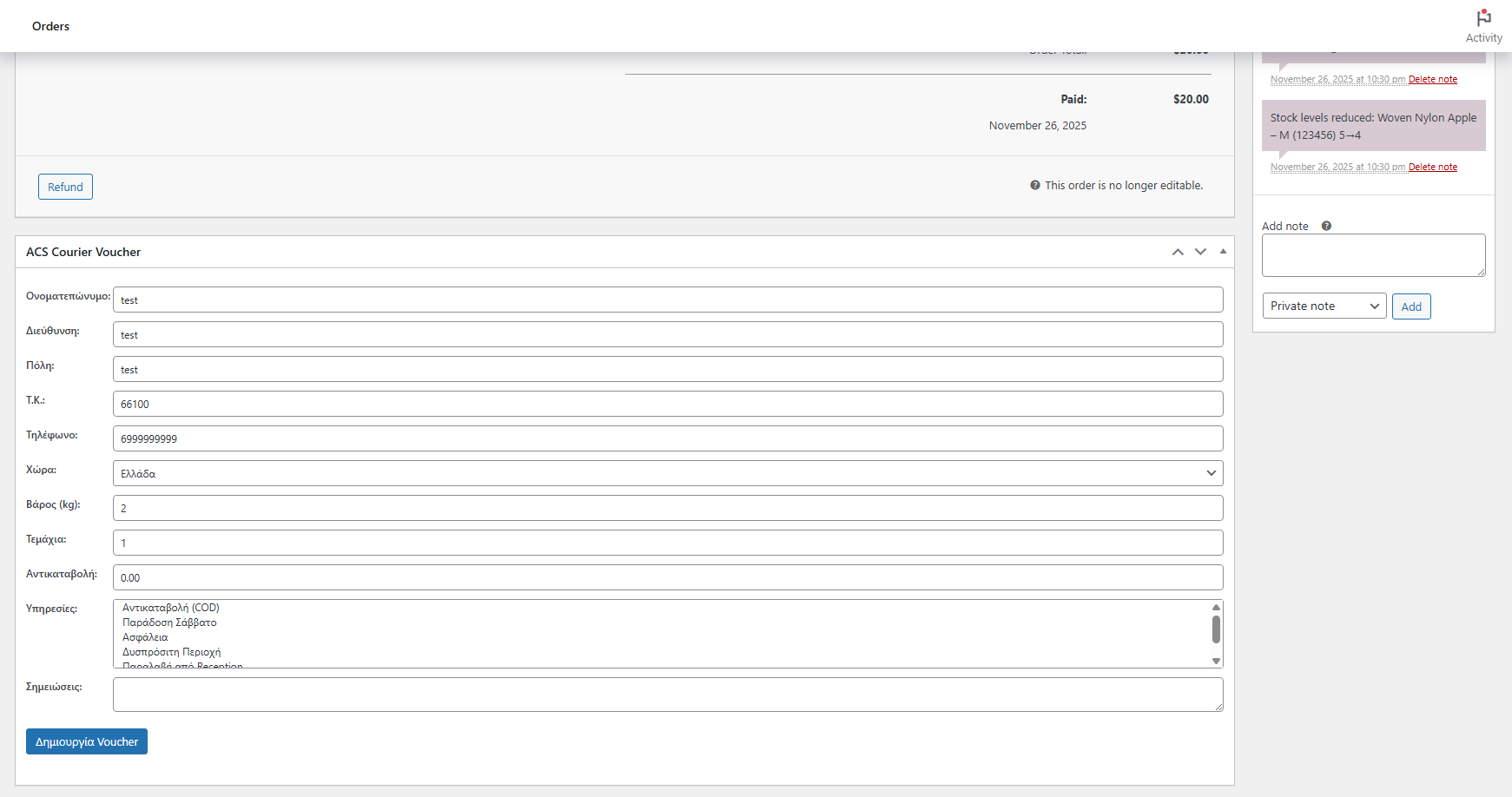
Yes! The plugin automatically detects when an order uses the "Cash on Delivery" payment method and includes the COD amount in the voucher. The ACS courier will collect payment upon delivery and transfer it to your account according to your agreement with ACS. All COD information appears on the printed shipping label.
What label formats can I print?
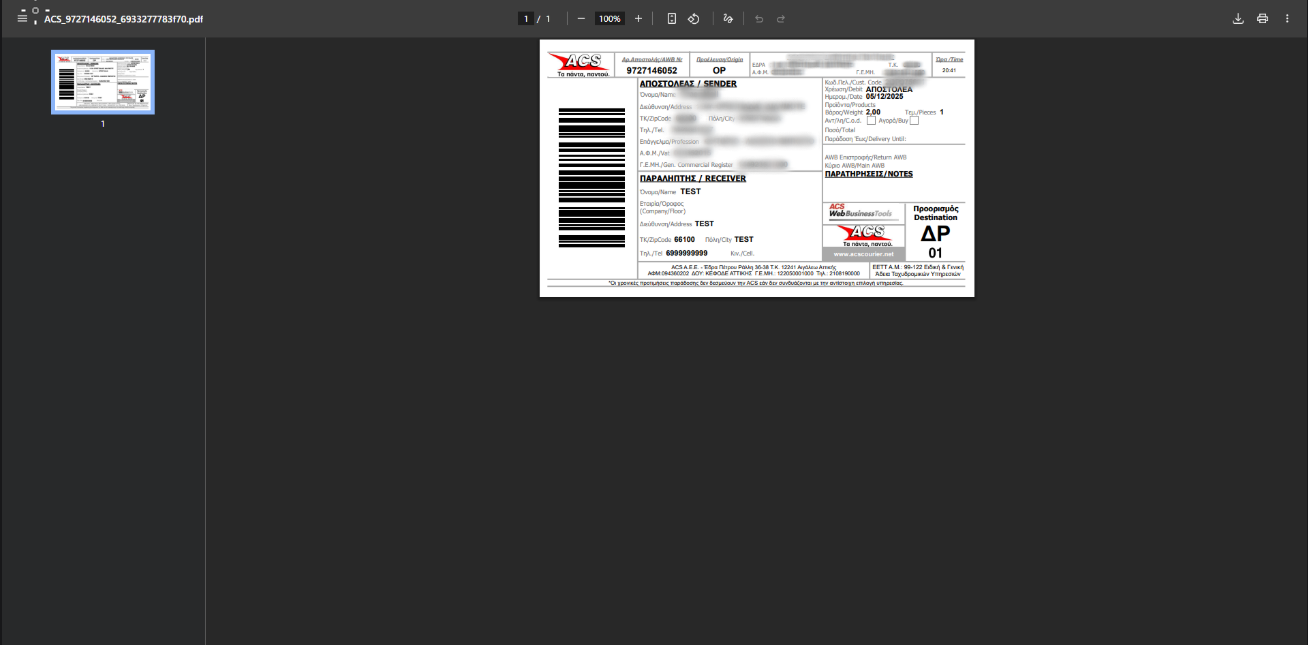
The plugin supports two ACS-approved label formats: Flyer (A5 size) for regular printers, and Sticker (10x10cm) for thermal label printers. You can set your preferred format in the plugin settings. PDF labels are automatically generated after voucher creation and stored in your WordPress uploads folder for reprinting anytime.
Can I send tracking information to customers?
Yes, the plugin can automatically include ACS tracking information in the WooCommerce "Completed Order" email. Enable this option in the plugin settings under "Email & Tracking Settings". Customers will receive a direct link to track their shipment on the ACS website, along with the voucher number.
What ACS services are supported?
The plugin supports all major ACS delivery services: COD (Cash on Delivery), SAT (Saturday Delivery), INS (Insurance), REM (Remote Area), REC (Reception Pickup), and RDO (Return Service). You can select multiple services when creating each voucher based on your customer's needs.