How do I get Speedex API credentials?
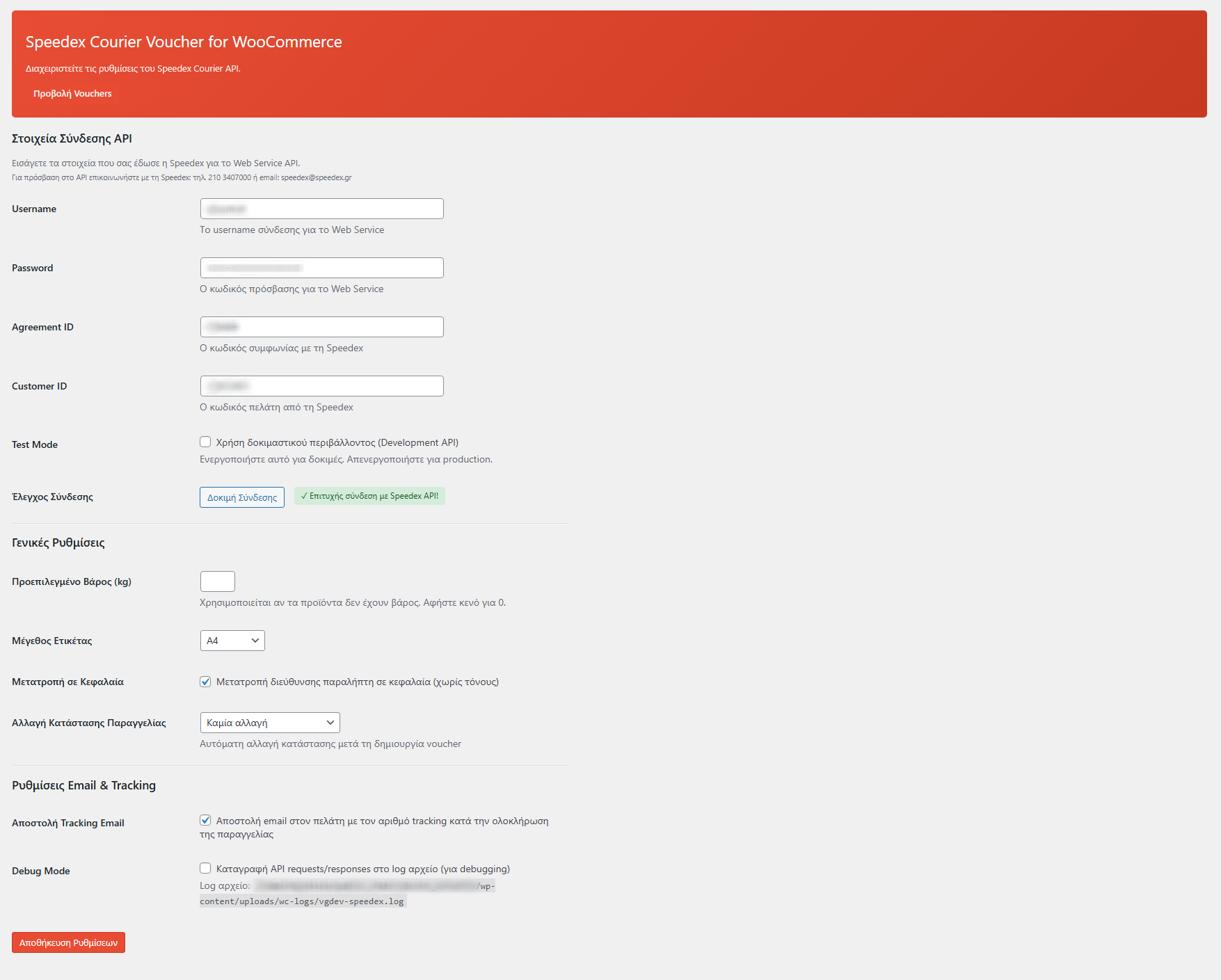
Contact Speedex customer service to request SOAP API access for your business account. You'll need an active courier agreement with Speedex. Once approved, they'll provide your Customer ID and Password for API authentication. These credentials allow your WordPress site to communicate with Speedex's SOAP web services for voucher creation, tracking, and cancellation.
What paper sizes are supported for printing labels?
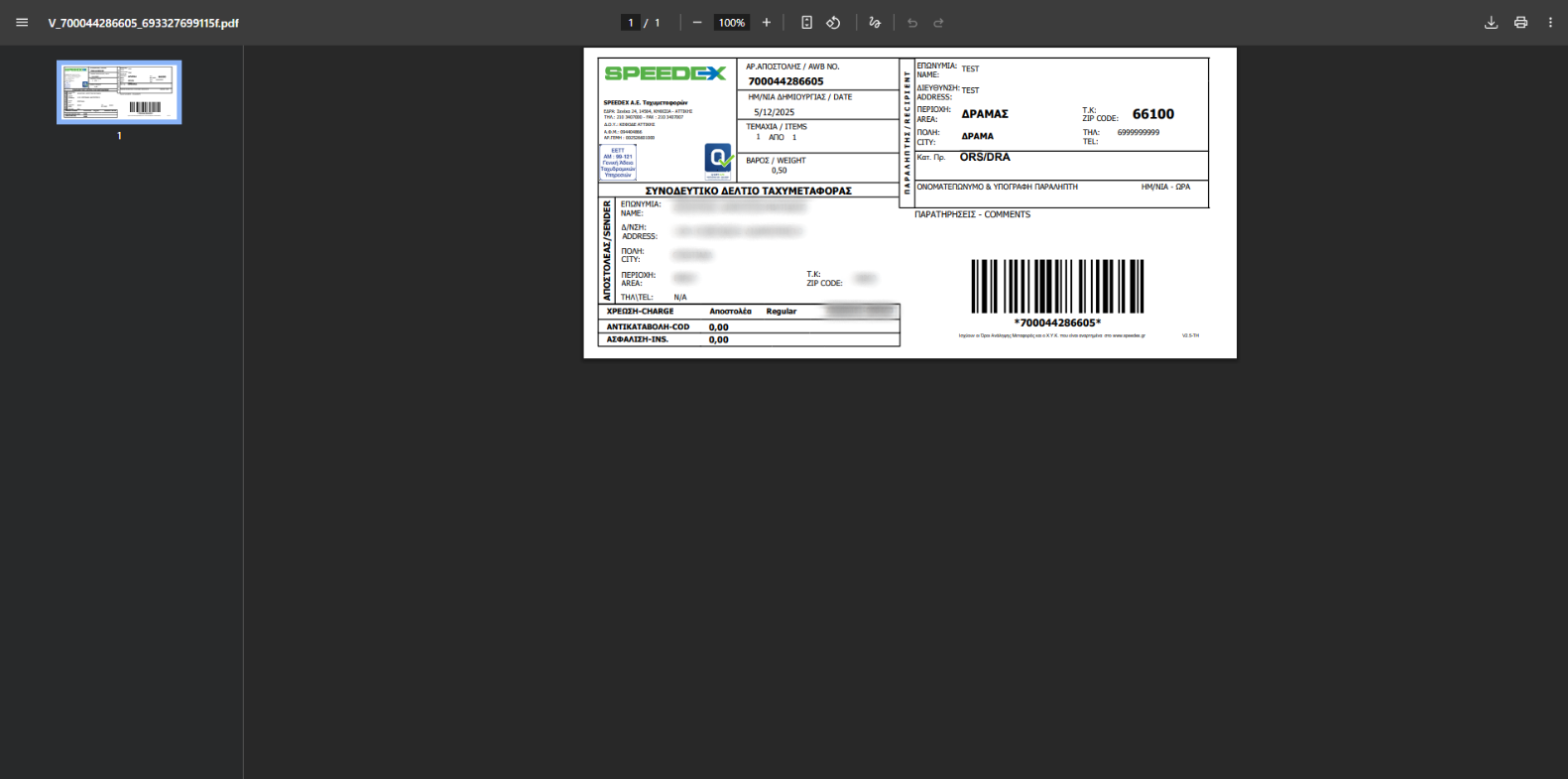
The plugin supports four label formats to accommodate different printing setups: A4 (standard office paper), A5 (half A4 size), A6 (postcard size), and 10x21cm (thermal label format ideal for dedicated label printers). Choose your preferred format in the plugin settings, and all vouchers will be generated as PDFs in that size automatically.
Does the plugin automatically update order status when packages are delivered?
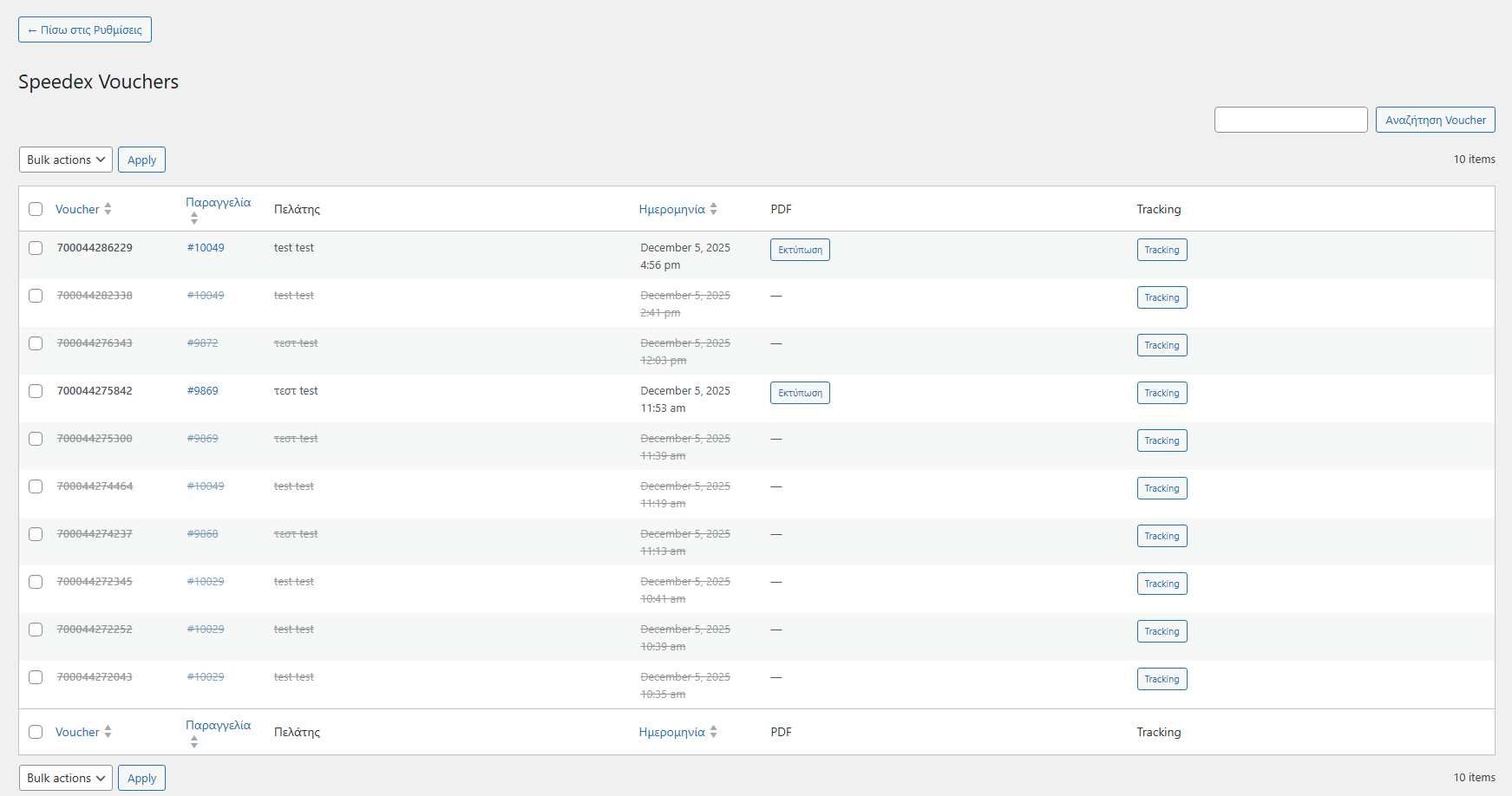
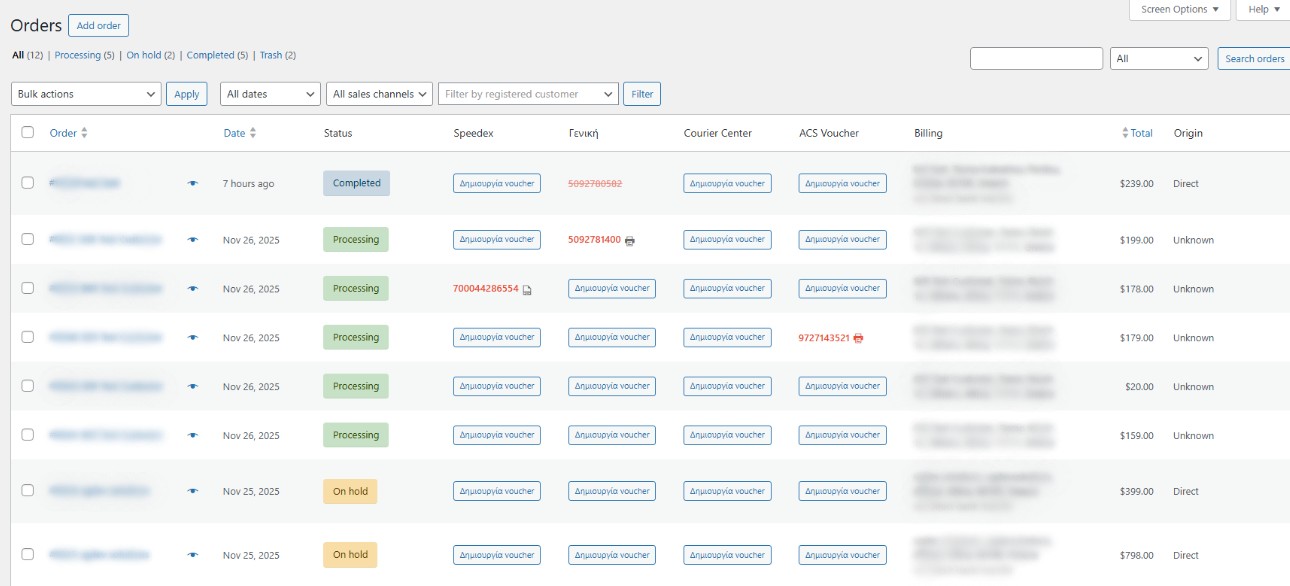
Yes! The plugin includes a smart WP-Cron system that periodically checks Speedex tracking for all active vouchers. When Speedex reports a package as delivered (Rcvdate field populated), the plugin automatically changes the WooCommerce order status to "Completed" and adds a note indicating delivery by Speedex. This saves you from manually checking tracking and updating orders.
What is the charge type option and how does it work?
Speedex allows you to specify who pays for shipping costs. The plugin offers three charge types: (1) Sender pays - your business account is charged, (2) Recipient pays - shipping cost added to delivery amount, (3) Third party pays - a different Speedex account is charged. Configure your default preference in settings, and the plugin will send this to Speedex when creating vouchers.
Why does the plugin require PHP SOAP extension?
Speedex uses SOAP (Simple Object Access Protocol) for their courier API, which is an XML-based web service standard. PHP's SOAP extension enables your WordPress server to communicate with Speedex's WSDL endpoint, authenticate sessions, and exchange voucher data. Most modern hosting providers have SOAP enabled by default, but the plugin will display an admin notice if it's missing.