What is a Plant Passport and who needs it?
A Plant Passport is an official phytosanitary document required by EU Regulation 2016/2031 for the movement of regulated plants and plant products within the European Union. It's mandatory for nurseries, garden centers, and plant retailers trading plants across EU borders or within regulated zones. The passport certifies that plants have been produced under official supervision and meet phytosanitary standards. Fields A-D contain critical traceability information that allows authorities to track plant movements and quickly respond to pest or disease outbreaks.
Can I customize the label size to fit my printer or label stock?
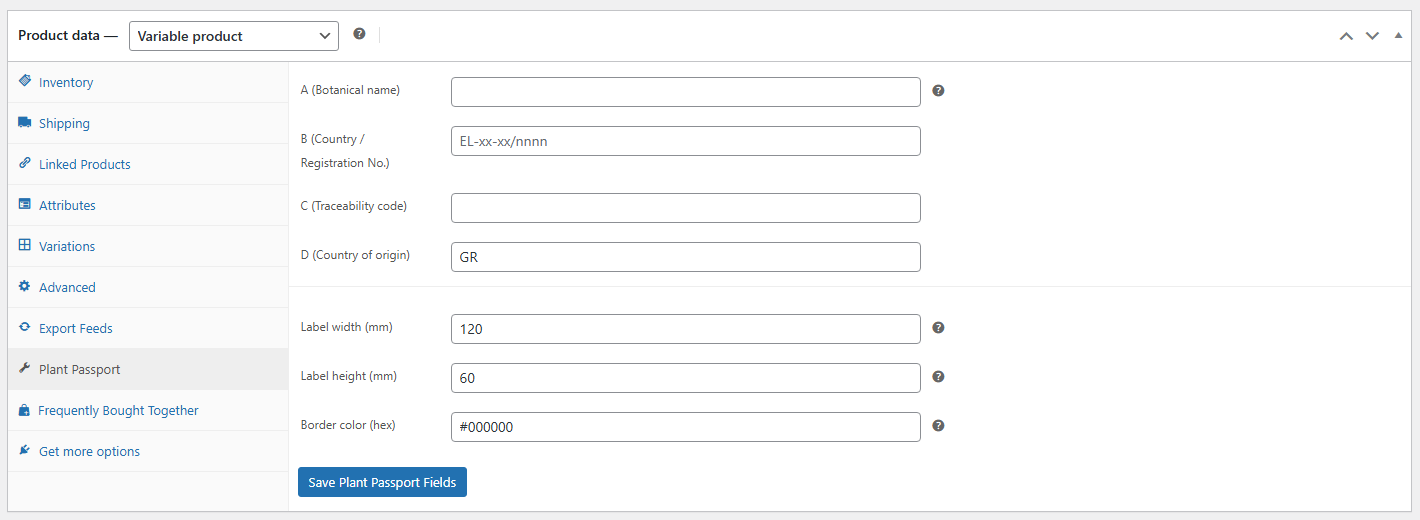
Absolutely! While the default is 60×30mm (standard Plant Passport size), you can customize both width and height independently in millimeters. The plugin automatically scales all elements proportionally - including the EU flag, fonts, and spacing - to maintain professional appearance at any size. This flexibility lets you match standard label sheets, thermal printer requirements, or custom label stock. Just enter your desired dimensions in the "Label width (mm)" and "Label height (mm)" fields.
How do I print the labels? Do I need special software or equipment?
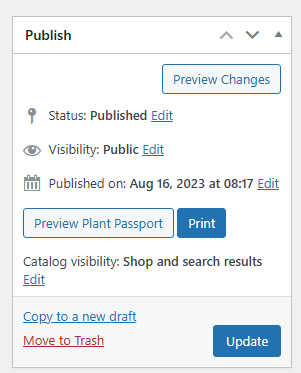
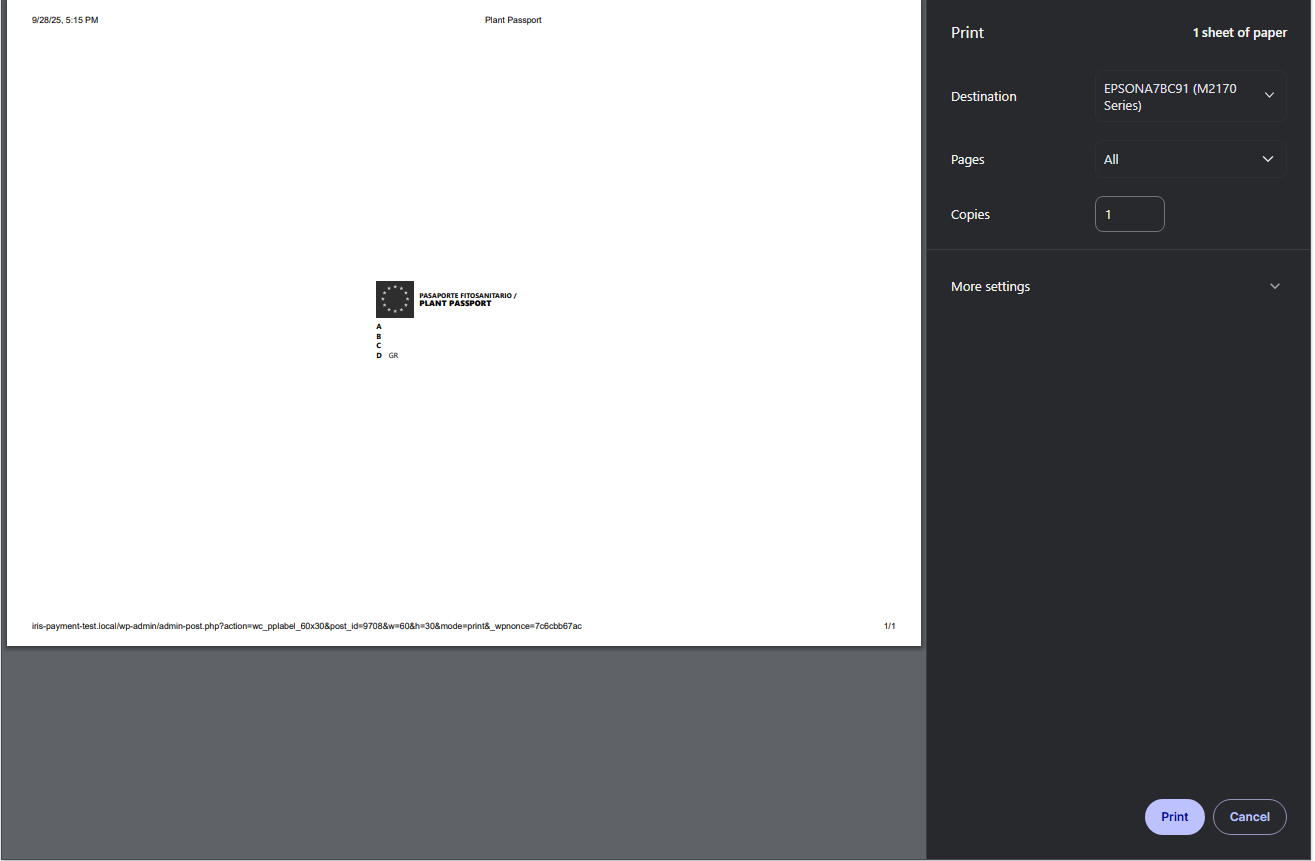
No special software needed! The plugin generates print-ready HTML labels that open directly in your browser. Simply click the "Print" button in the product's Publish box, and the label opens in a new tab with the print dialog automatically triggered. The labels use CSS @page rules to set exact dimensions, ensuring accurate output on any printer - standard office printers, label printers, or thermal printers. Just load your label stock (60×30mm or custom size) and print. The border provides cutting guides if using sheet labels.
Does this plugin work with WPML or Polylang for multilingual plant catalogs?
Yes! The plugin has full multilingual support. All UI elements (tab labels, field names, button text, messages) are automatically registered with WPML String Translation and Polylang. You can translate the entire admin interface through your preferred multilingual plugin. The actual Plant Passport data (Fields A-D) is stored per product, so you can maintain different botanical names, registration numbers, and traceability codes for different language versions if needed, though typically this data remains in Latin/scientific nomenclature across languages.
What do the A, B, C, and D fields represent on the Plant Passport?
These are the four mandatory fields required by EU regulation: Field A contains the botanical (scientific) name of the plant, identifying the species (e.g., "DASYLIRION SERRATIFOLIUM C-5L"). Field B shows your country code and official registration number as an authorized plant passport issuer (e.g., "EL-12-34/5678"). Field C is the traceability code - typically a batch or lot number that allows tracking the plant's production history. Field D indicates the country of origin using ISO country codes (e.g., "GR" for Greece), which auto-fills from your WooCommerce base location but can be overridden per product.