What's the difference between the free and Pro version?
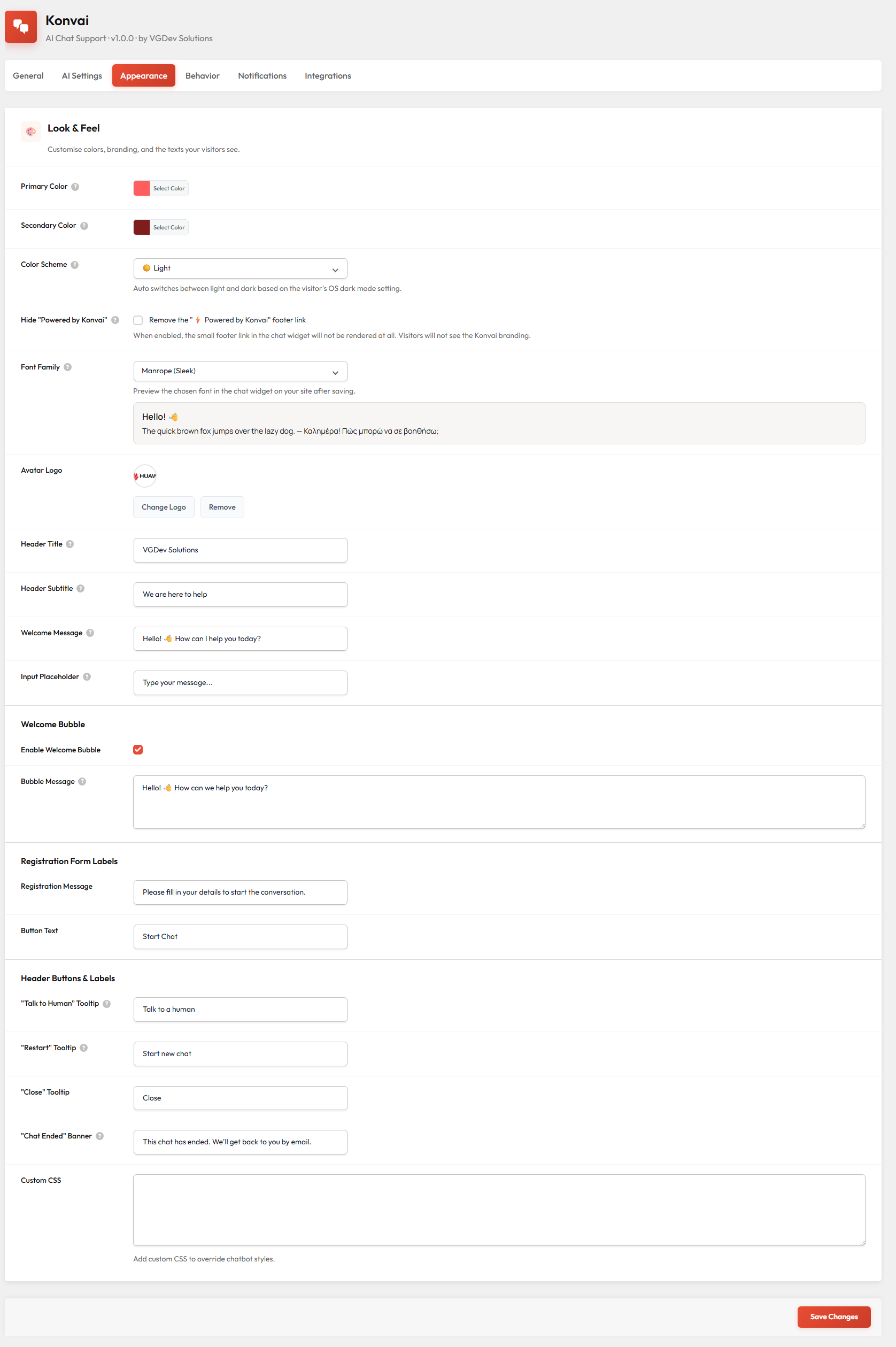
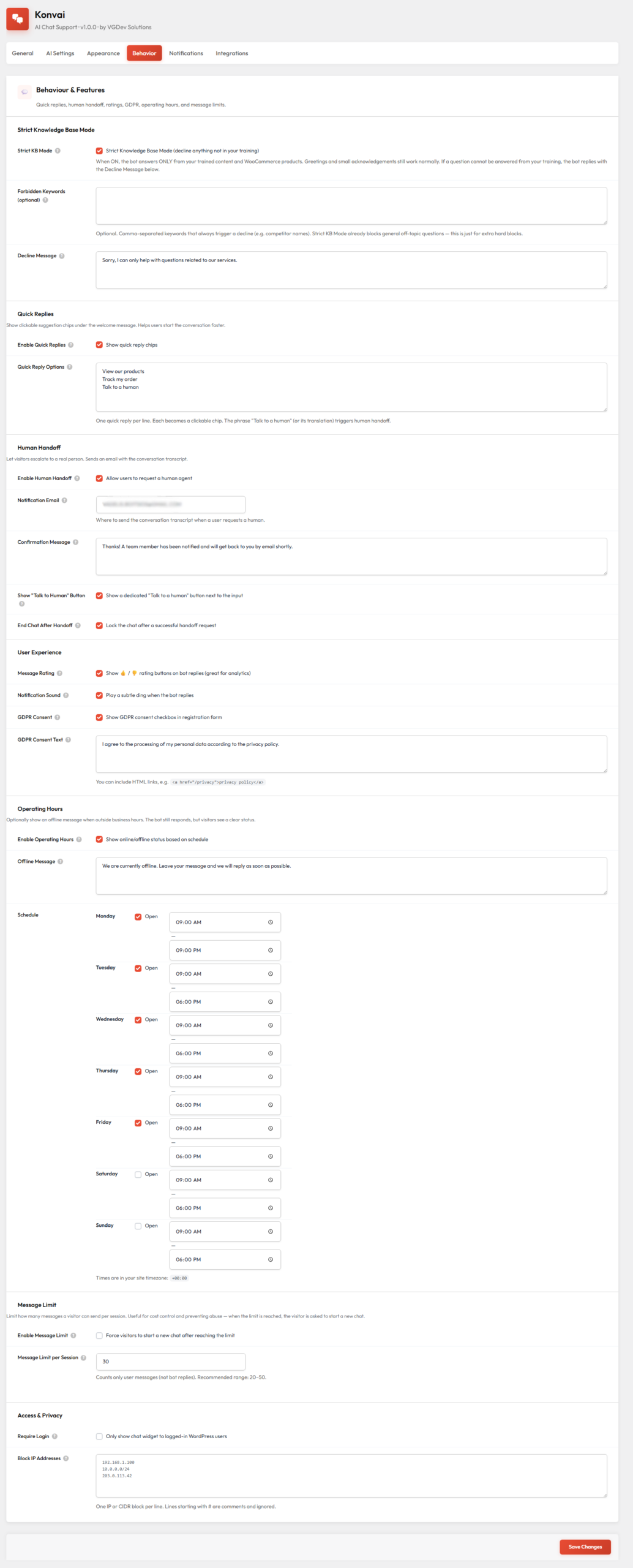
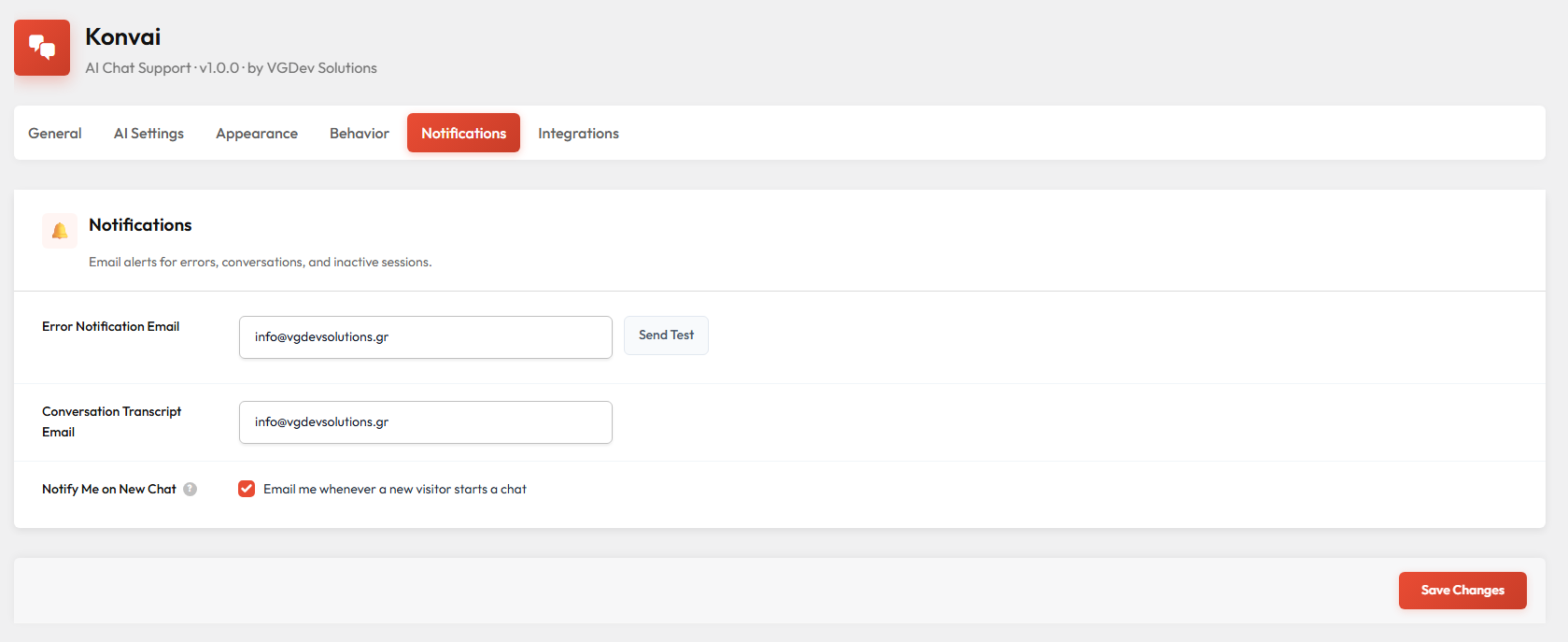
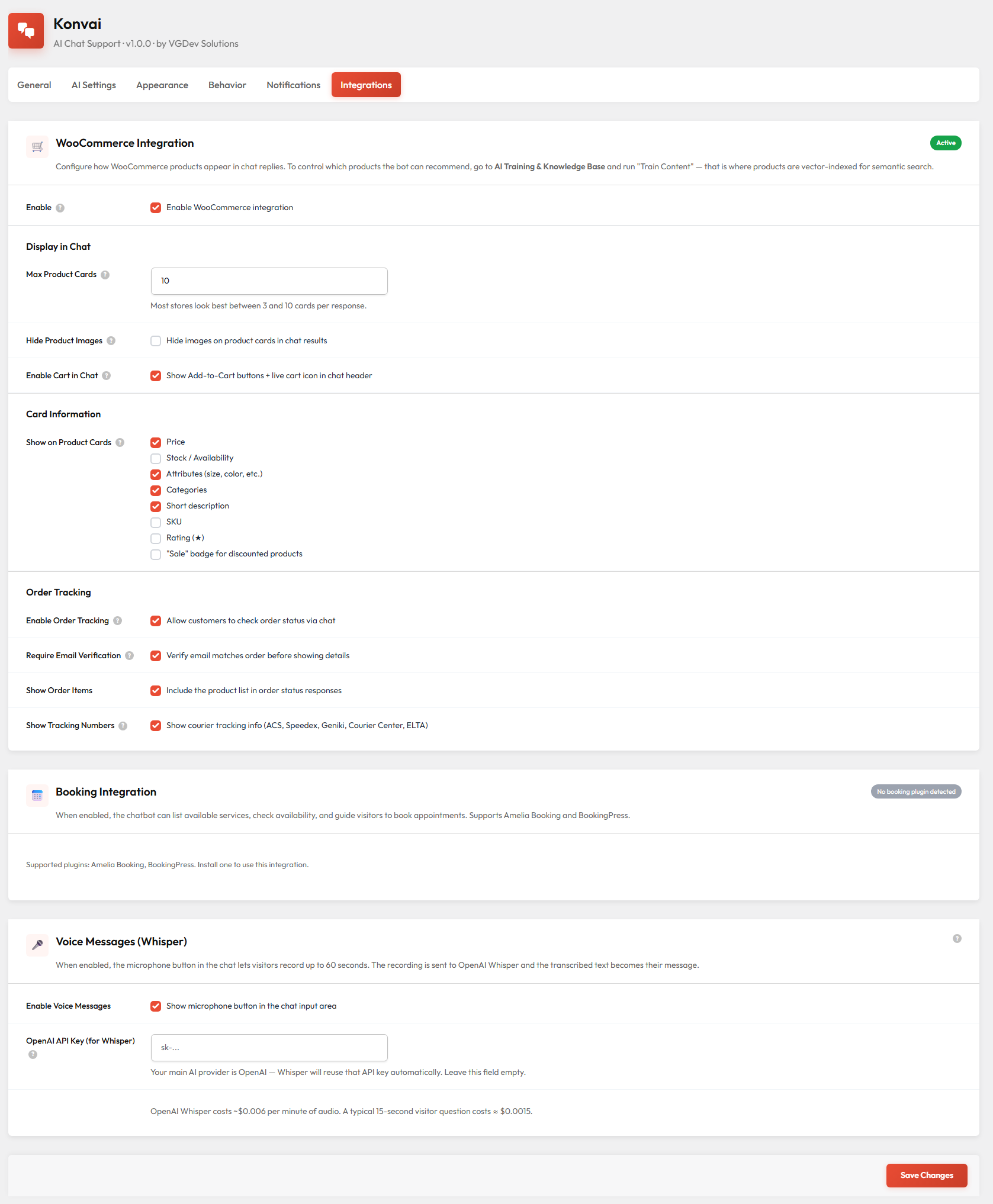
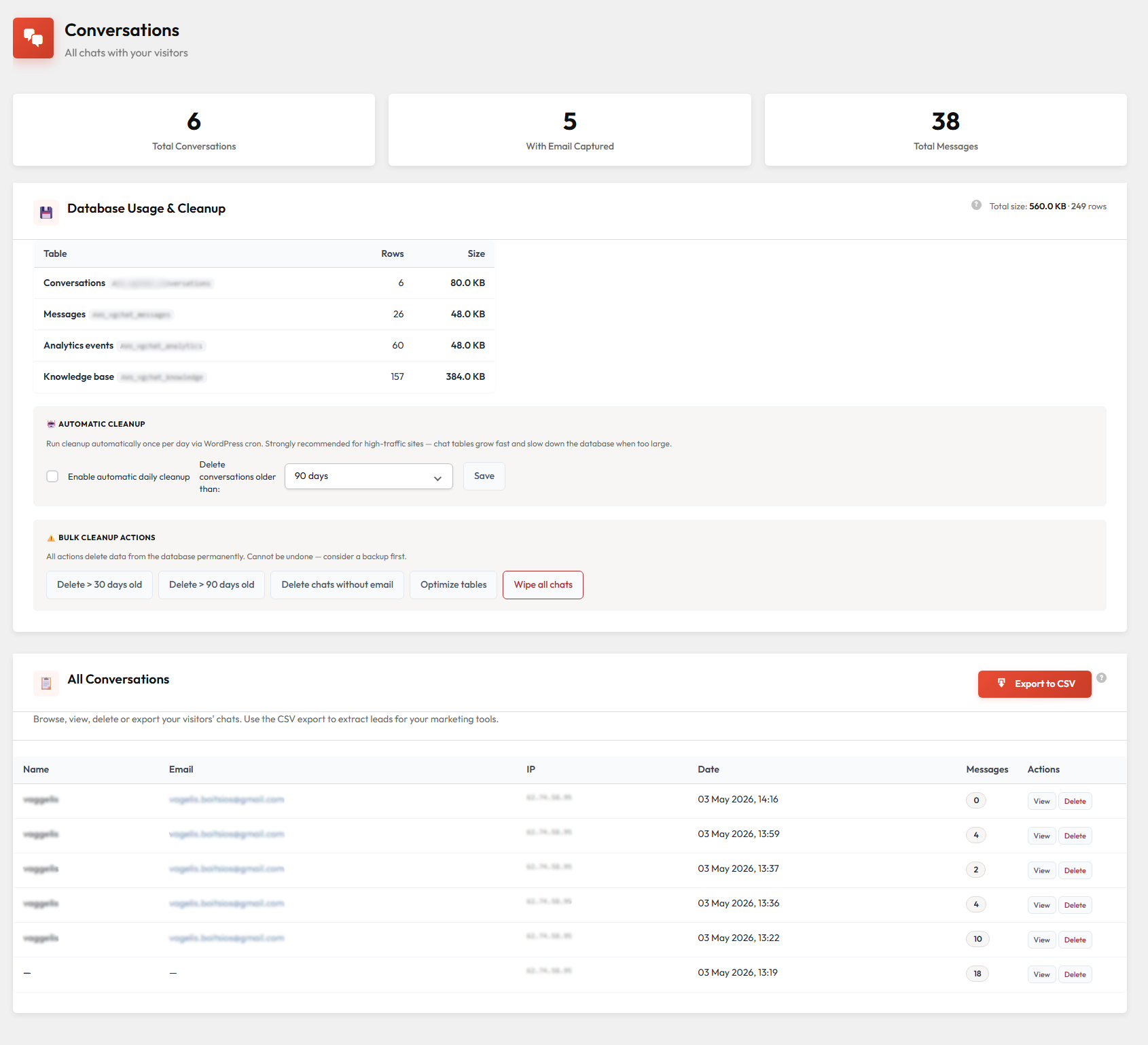
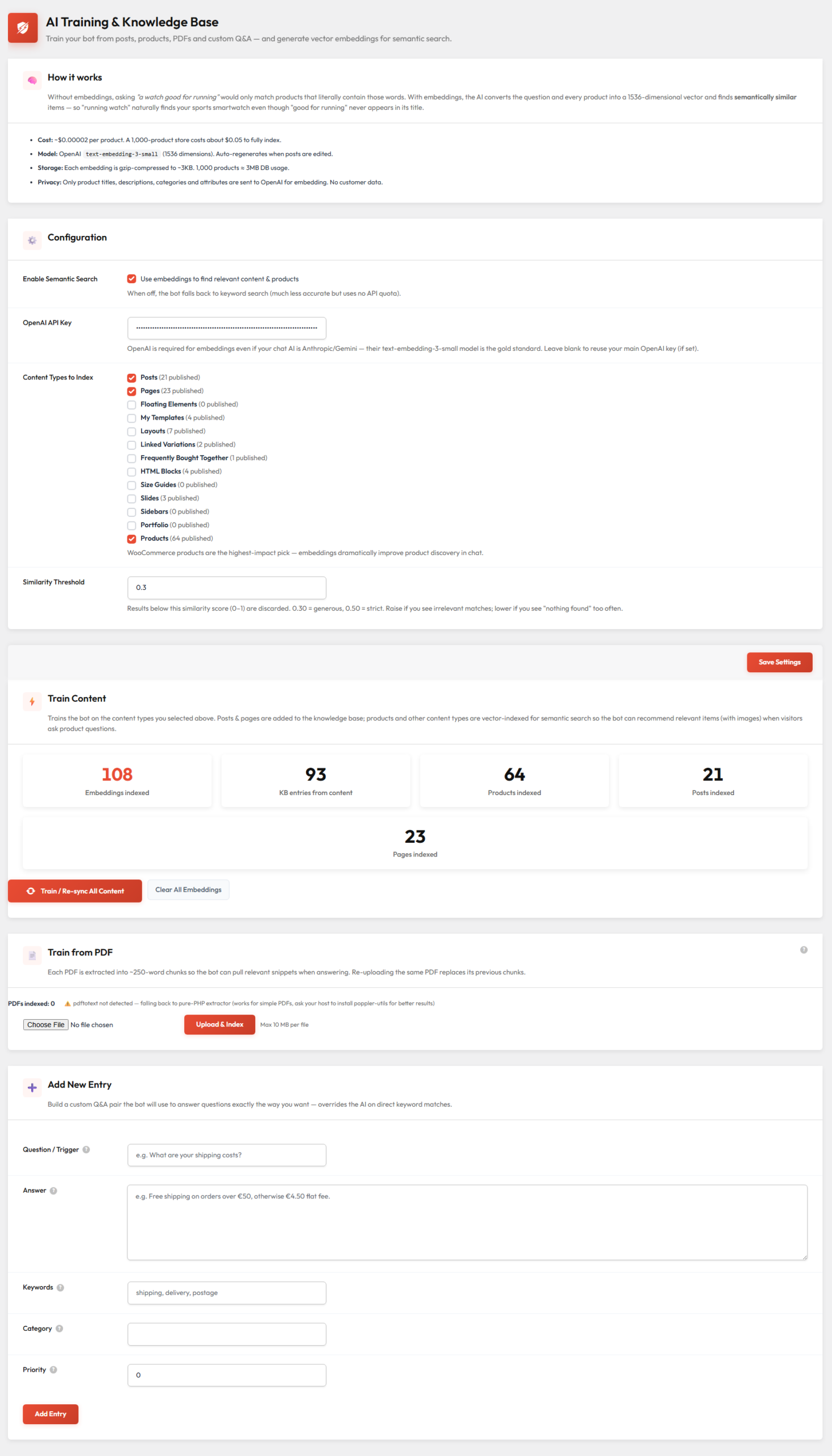
The free version (coming soon to WordPress.org) covers posts, pages, 5 AI providers, manual Q&A knowledge base, message ratings, GDPR consent and off-topic filtering. Pro adds WooCommerce product cards with Add-to-Cart, PDF training, voice messages, conversation history, quick replies, human handoff, operating hours, dark/auto theme and white-label branding. You unlock Pro by purchasing a license here and pasting it into the plugin's License screen, same plugin, same data.
Do I need a subscription to use Konvai?
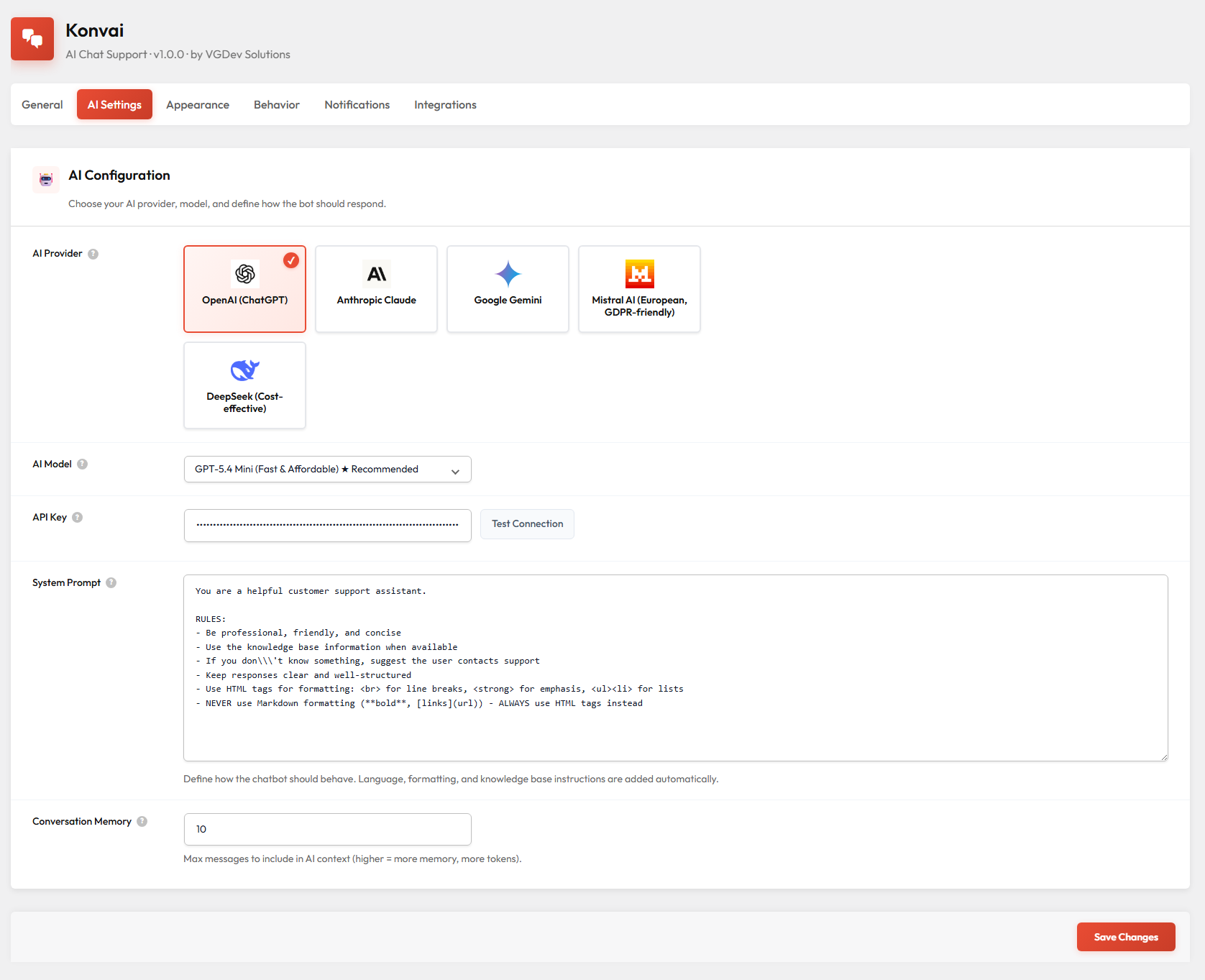
No. Konvai is a one-time purchase with lifetime updates. You do need an API key from an AI provider (OpenAI, Anthropic, Google, Mistral or DeepSeek) — you pay those providers directly at their standard rates, which for most stores works out to a few euros per month.
How many sites can I use the license on?
Each license covers 1 site. If you need to run Konvai on additional sites, you need an additional license per site. You can manage all your license keys from your account on vgdevsolutions.gr.
How do I activate Pro after purchasing?
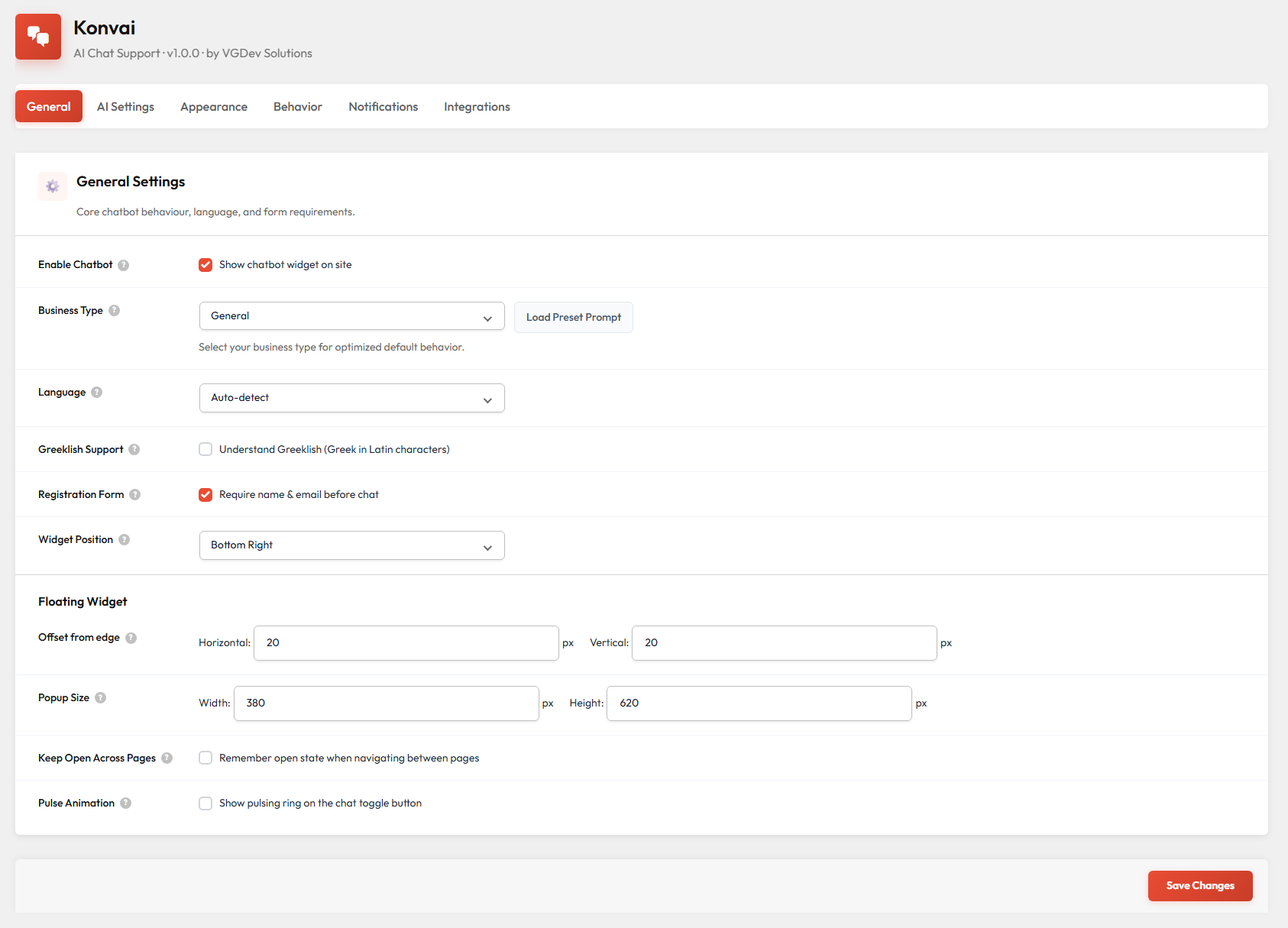
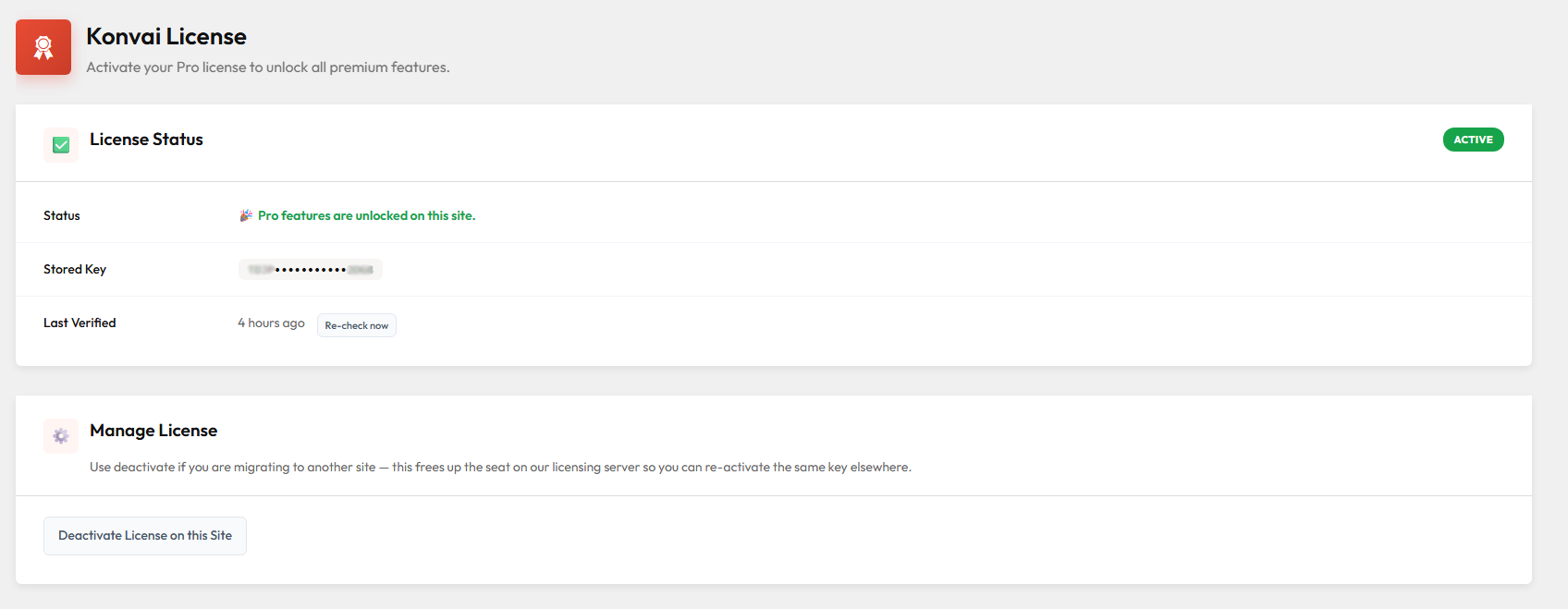
Install the Konvai plugin on your WordPress site (free version from WordPress.org or the ZIP you downloaded here), go to Konvai → License in your WordPress admin, paste the license key from your purchase confirmation email, and click Save & Activate. Pro features unlock immediately, no site migration, no data loss.
What AI model do you recommend?
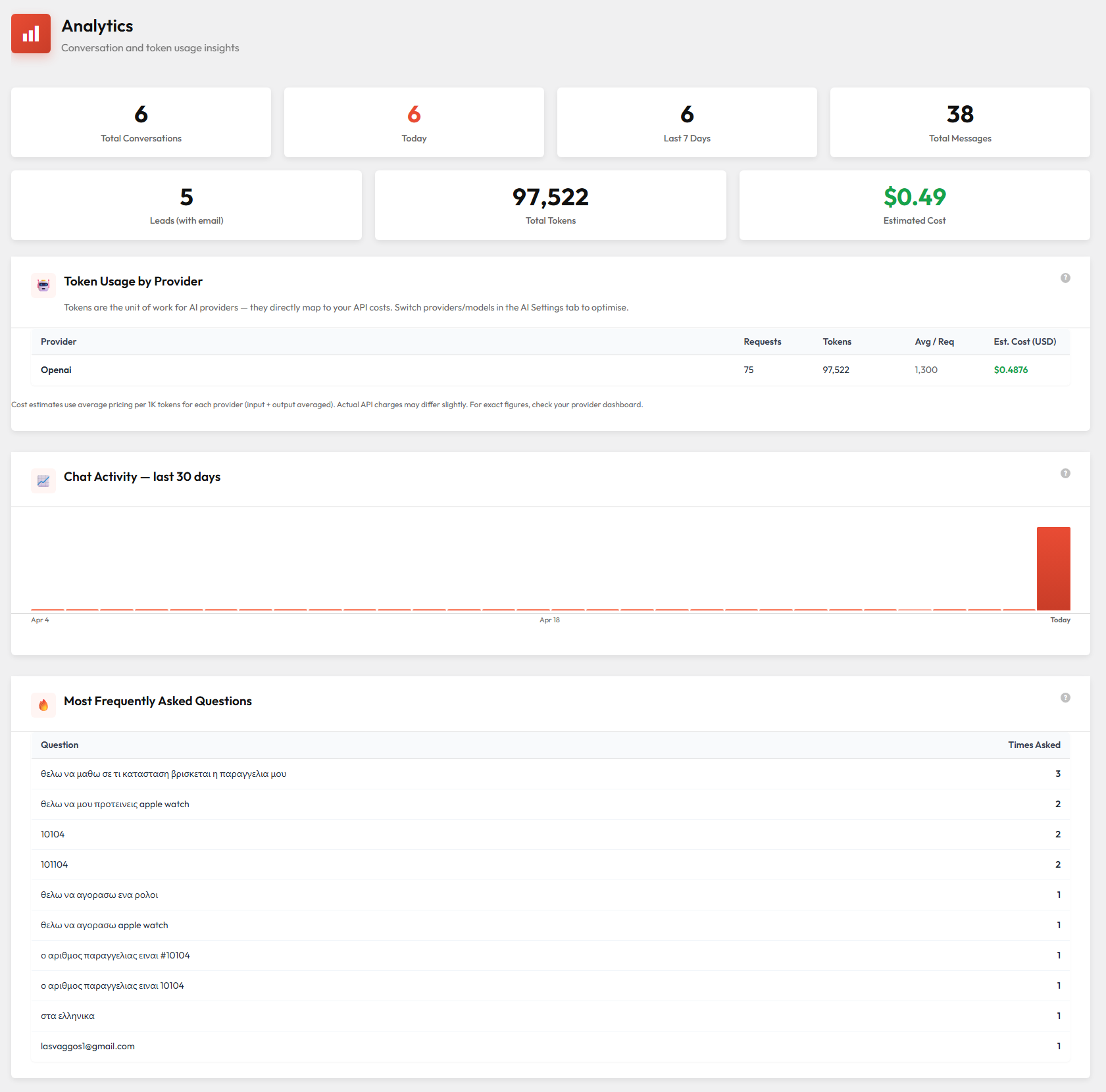
For most WooCommerce stores, gpt-4o-mini (OpenAI) is the best starting point: it's fast, cheap (roughly €0.002 per conversation) and handles product questions and order queries very well. If you want stronger reasoning or longer context, claude-sonnet (Anthropic) or gemini-2.5-flash (Google) are excellent alternatives and are EU-friendly for GDPR purposes.