Can I use only one milestone instead of two?
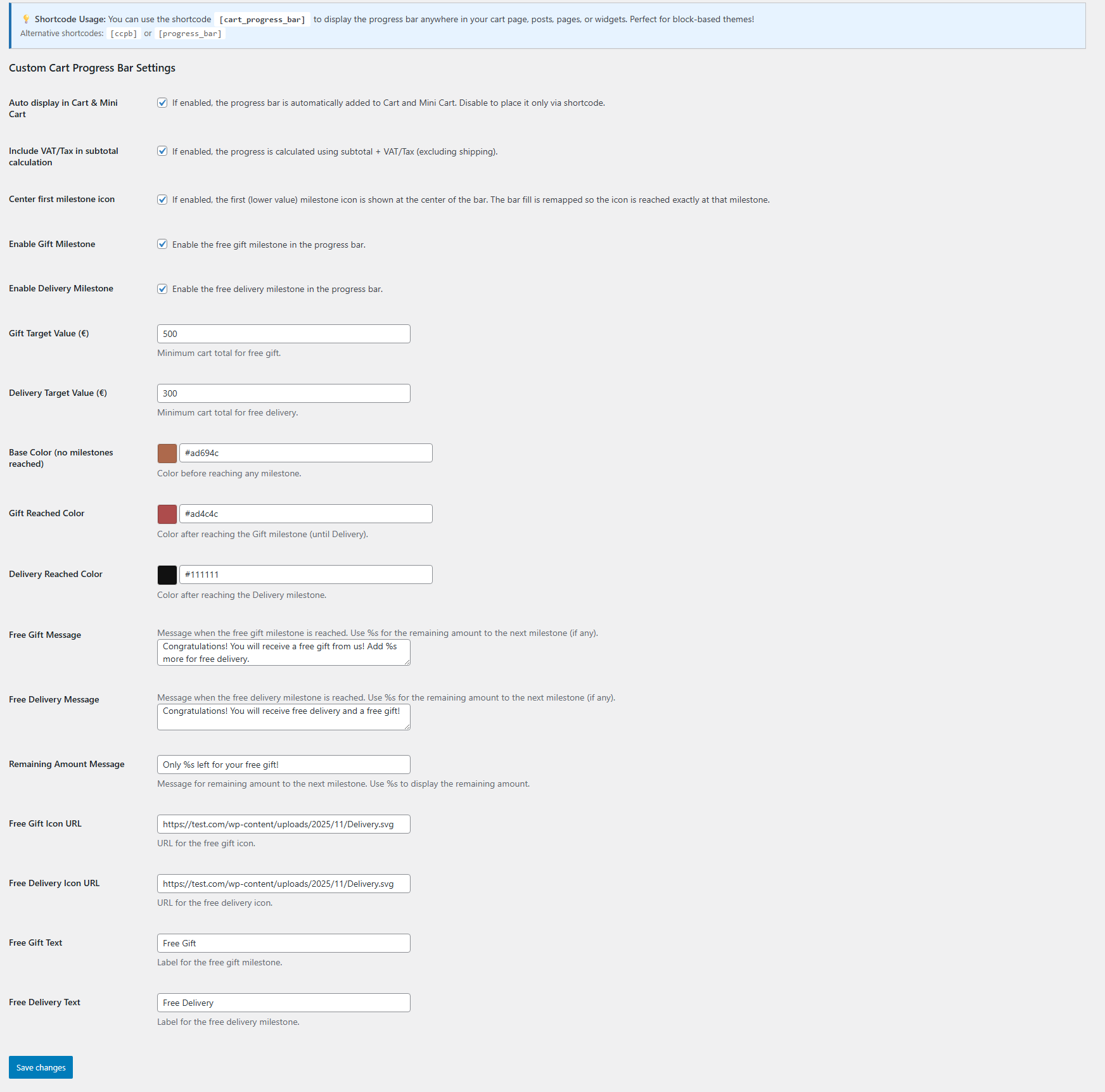
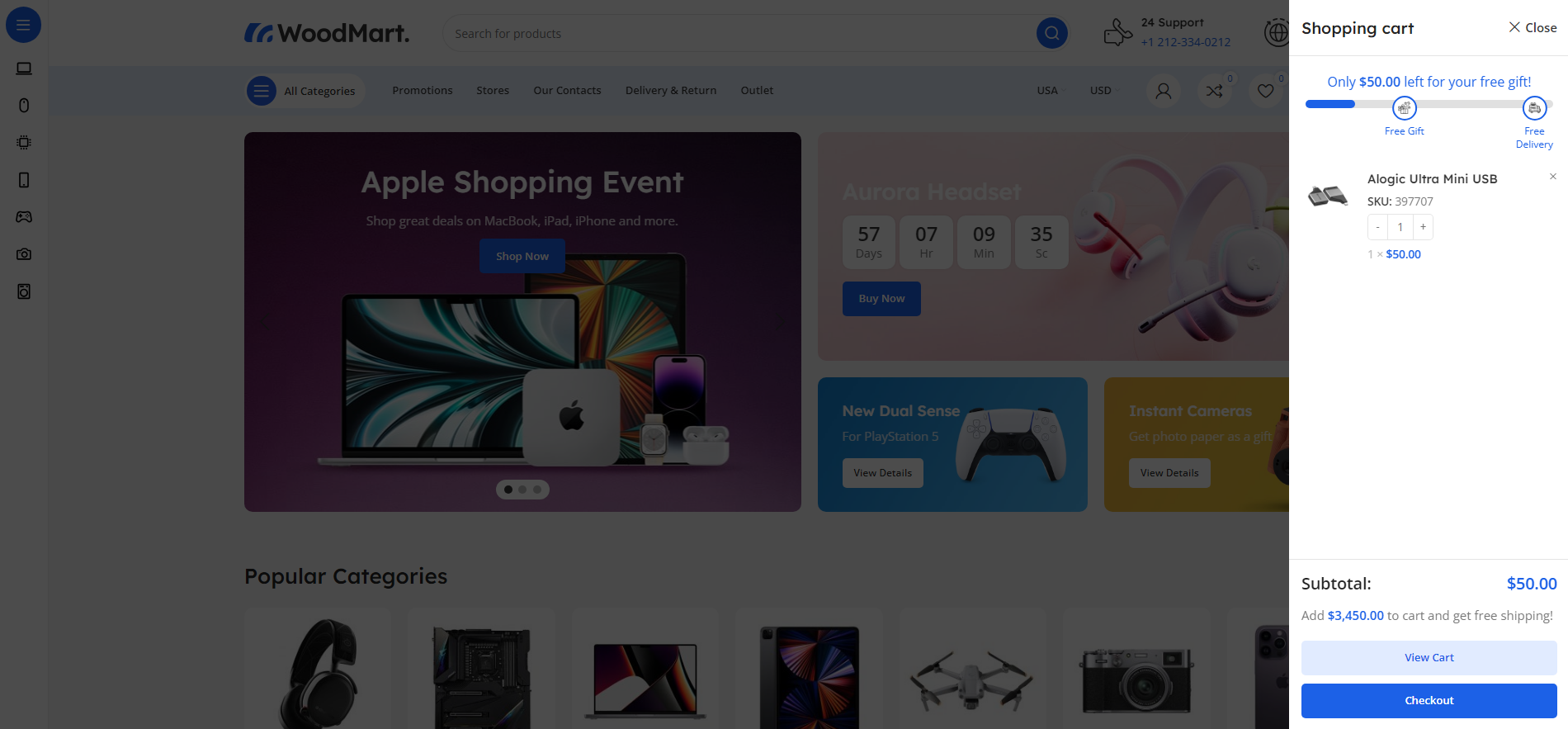
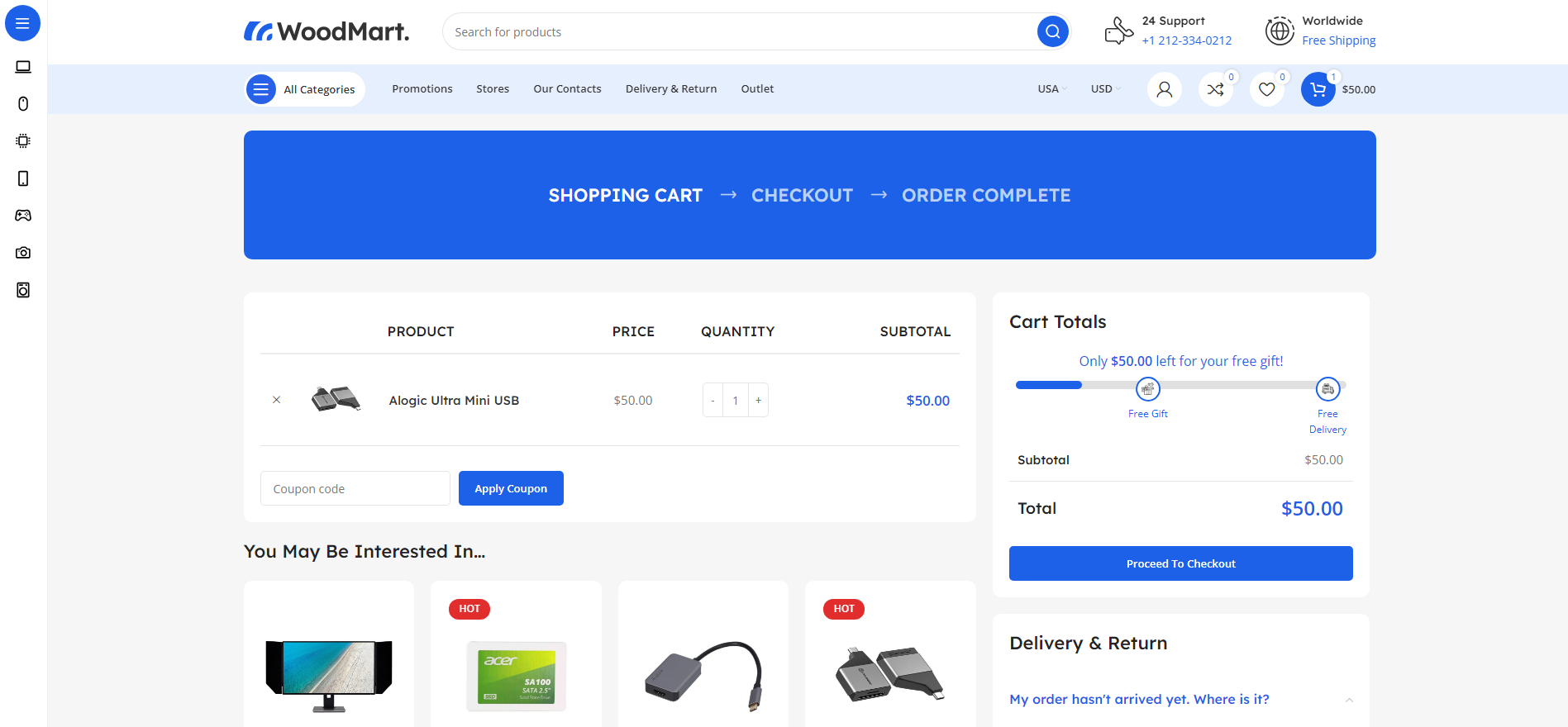
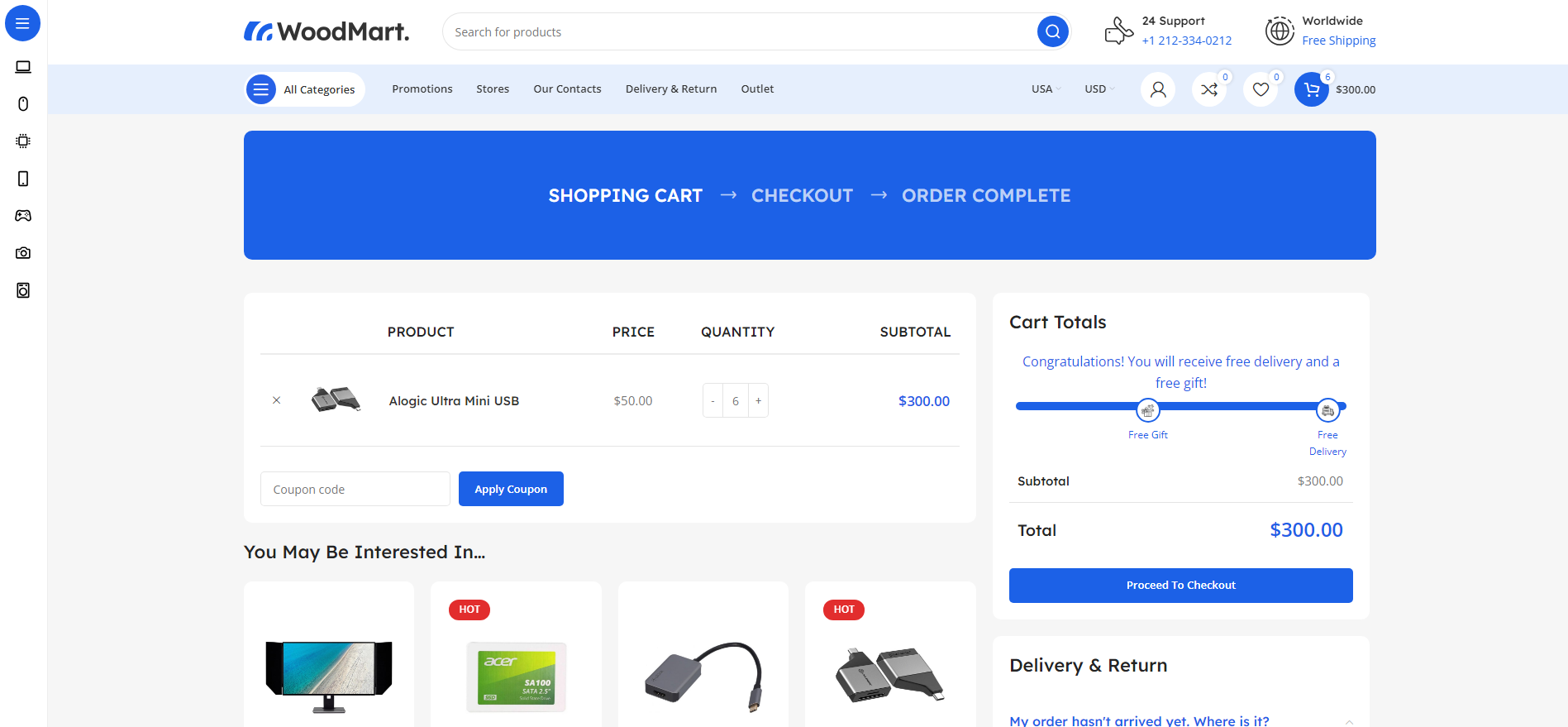
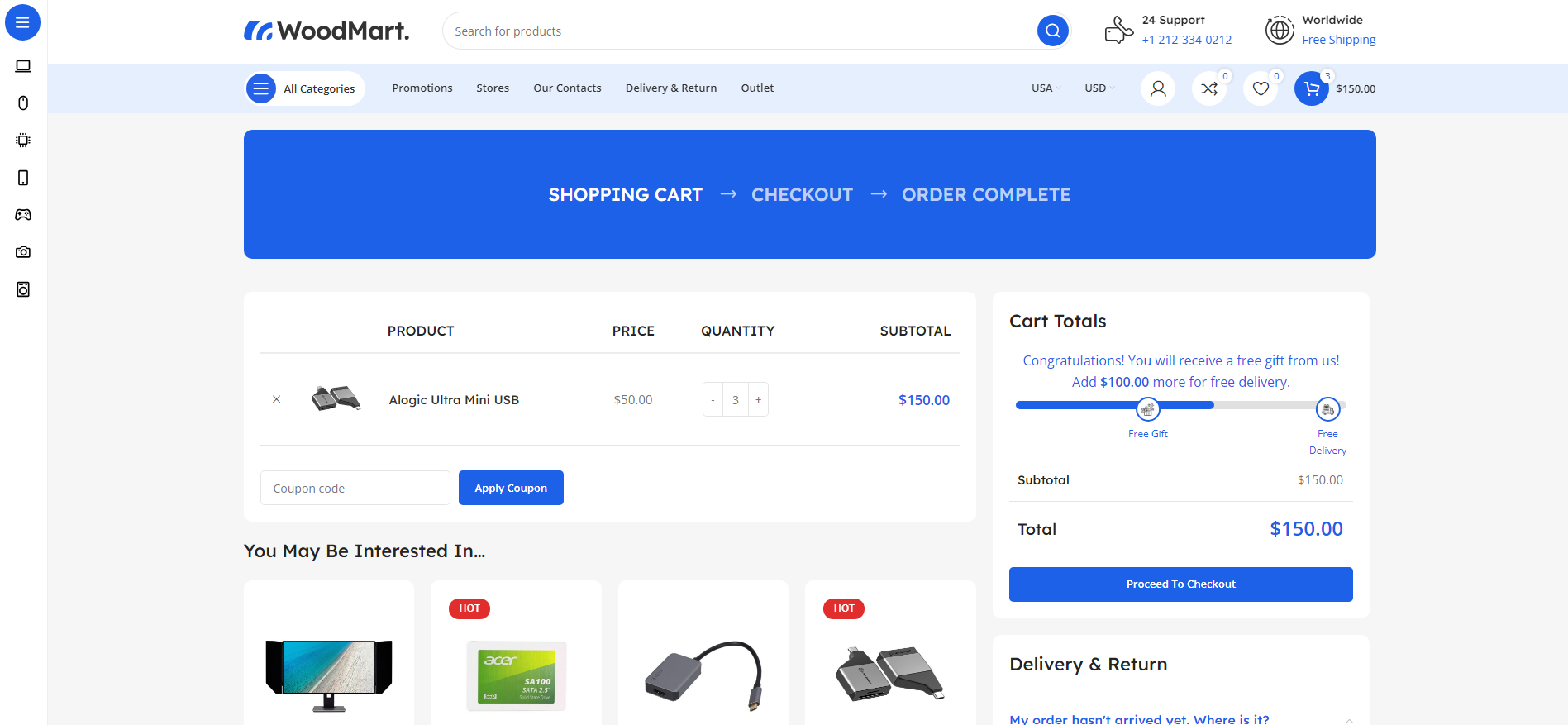
Absolutely! You can enable or disable each milestone independently. Simply check or uncheck the "Enable Gift Milestone" or "Enable Delivery Milestone" options in the settings. This gives you complete flexibility to run promotions with just free gifts, just free delivery, or both together.
Does this work with WooCommerce Blocks (Cart and Checkout blocks)?
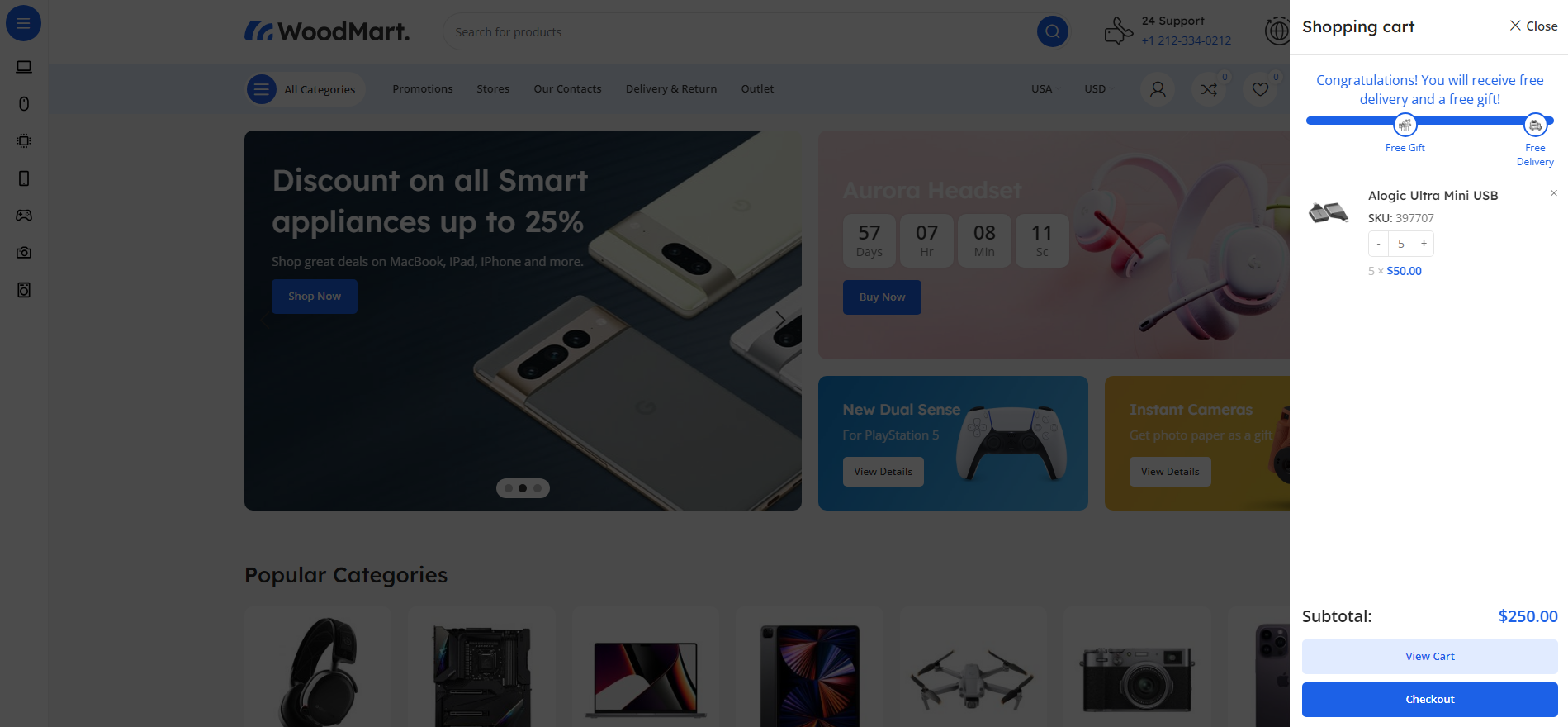
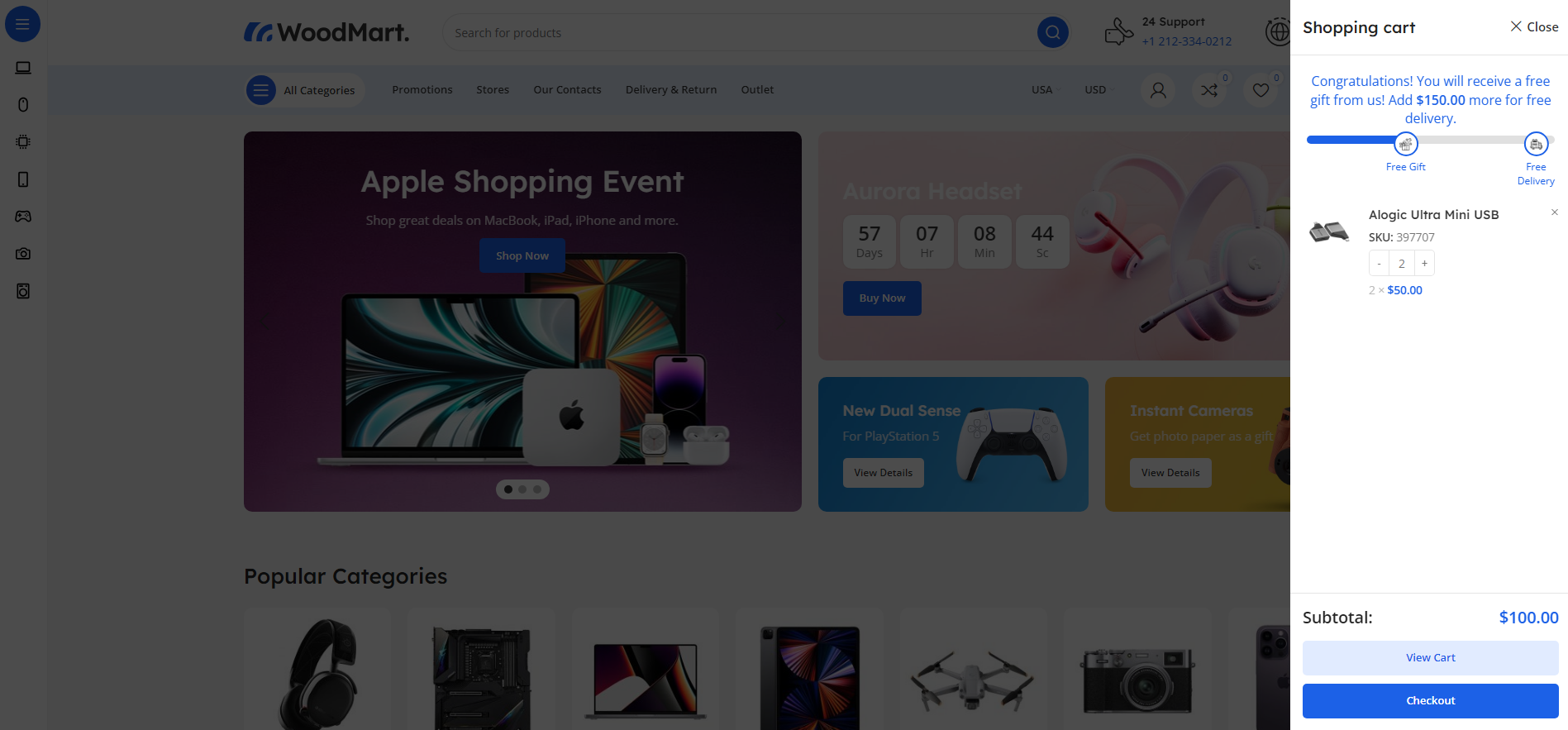
Yes! The plugin is fully compatible with WooCommerce Blocks. It includes AJAX functionality that listens to cart changes in block-based carts and updates the progress bar in real-time without page refreshes. You can also use the [cart_progress_bar] shortcode to manually place the progress bar anywhere in your block-based cart page.
How do I add custom icons for the milestones?
Upload your custom icon images to your WordPress Media Library, then copy the image URL and paste it into the "Gift Icon URL" or "Delivery Icon URL" fields in the plugin settings. The icons should be small square images (recommended 30x30px or 50x50px) in PNG or SVG format for best results.
Is the plugin compatible with multilingual sites (WPML/Polylang)?
Yes! The plugin is fully multilingual-ready. All custom messages, labels, and text are automatically registered with WPML and Polylang for translation. Your progress bar messages will display in the appropriate language based on your customer's language selection.
Does the progress bar calculate shipping costs or just product subtotal?
The progress bar is based on the cart subtotal only (products and their quantities), excluding shipping costs. This is the standard WooCommerce approach and ensures customers know exactly how much more they need to spend in products to reach the milestones. Shipping is typically calculated later in the checkout process.